The families you rely on
Real life runs on the families you already trust.
The school-gate swap, the Sunday afternoon, the lift home when work overruns. Those aren't strangers you need to find — they're households you already know. A circle is a set of relationships you already have, not an audience you broadcast to.
Starting point
Useful before anyone else joins.
Your own household comes first: the week in one place, plans settled once, the things worth keeping. A circle is what you add when you want a free window to reach the families who'd actually say yes.
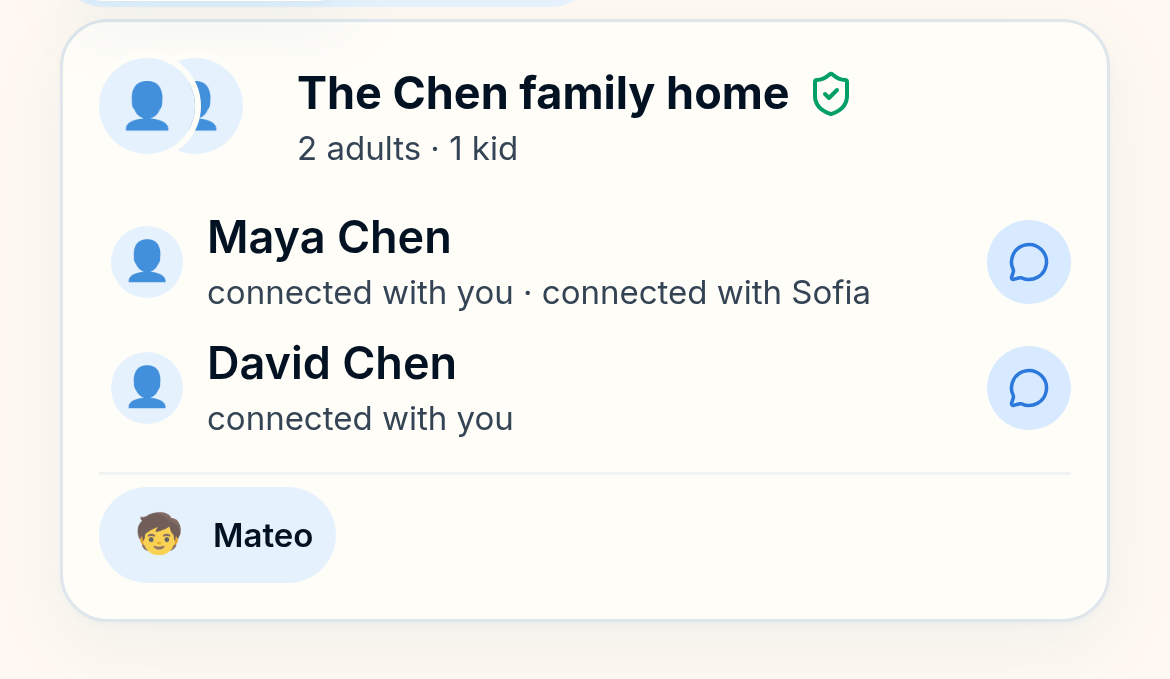
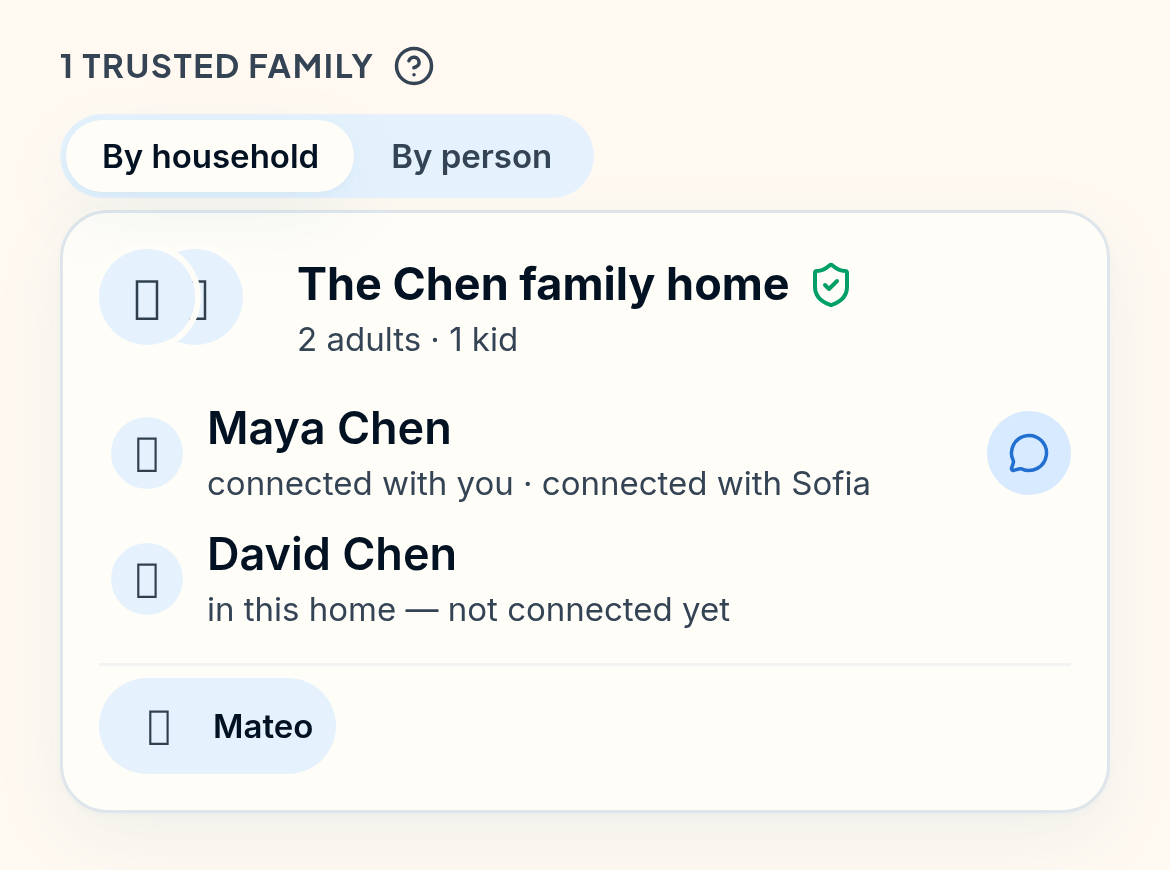
A circle holds whole households — who lives there, and how each person is connected to you.
A circle holds households, not contacts.
That's why an invitation can say something as ordinary as "the boys are free on Sunday" and land correctly: the app already knows which adults decide, which children it concerns, and who was never part of it.
How a circle behaves
Reaching a few people is not broadcasting.
- You choose who's in, one household at a time. No suggested contacts, no discovery, no people-you-may-know. A circle only contains households that were invited and accepted.
- A free window or a 'who's around?' ask is an offer, not a post. Share an open afternoon with a circle, or ask if anyone's around. Either way, the people in it can answer, it doesn't become a feed item, and nobody outside it sees anything.
- Answering is one tap, and optional. No read receipts, no seen-at, no chasing. Silence is a normal answer, and the app never implies otherwise.
- People you invite don't need an account to reply. A household can respond to a specific invitation through a link scoped to that one thing, and stop there if they want.
What it isn't
Not a neighbourhood network.
There is no public directory, no local feed, no ranking of families and no recommendation engine pointing strangers at your household. Circles only ever contain people you and another parent both agreed to.
The privacy boundaries are written out on safety and privacy, and who can do what is listed on what CircleNest does.
Start with your household.
Get your own week in one place first. Adding the families you rely on takes a minute after that.